
Thursday, January 22, 2026
Plugin Install : Cart Icon need WooCommerce plugin to be installed.

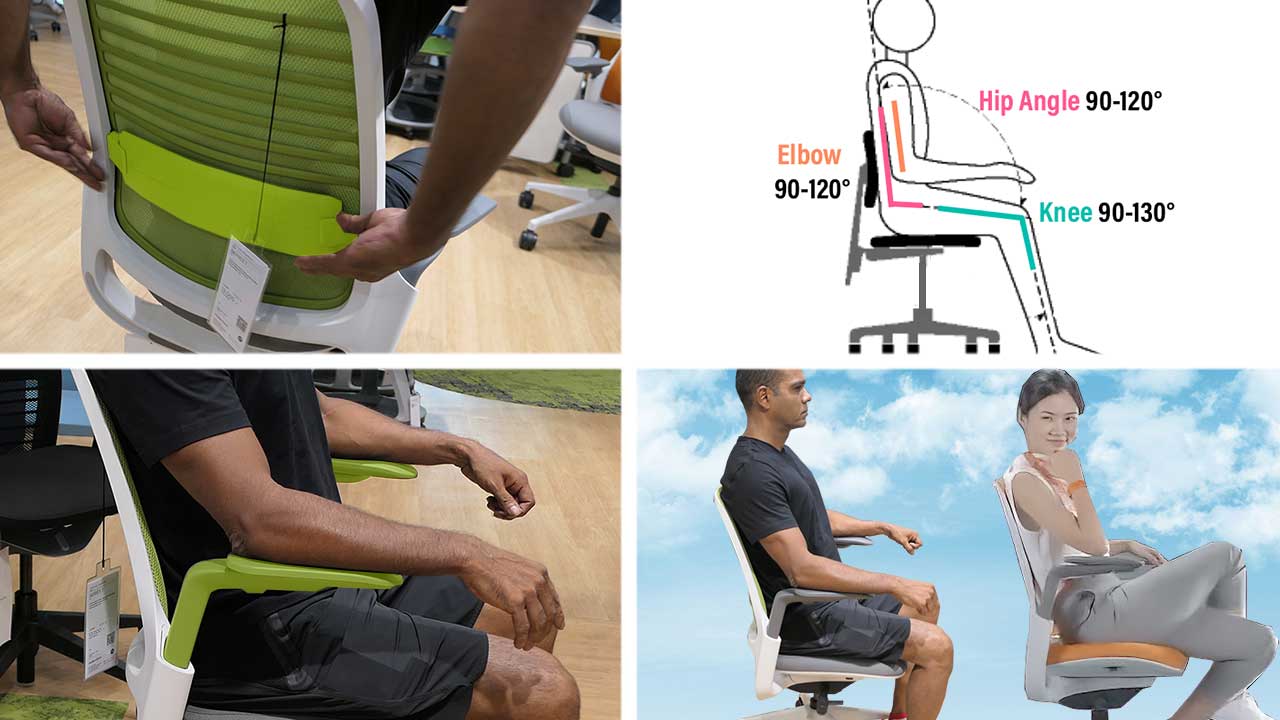
Any gaming or ergonomic office chair can qualify as ‘fully ergonomic’ by having three essential features.

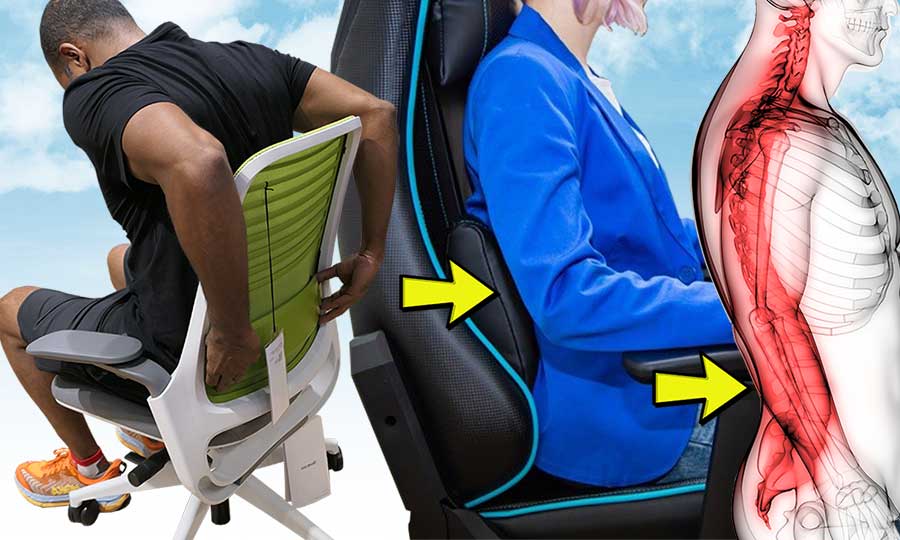
  • Adjustable lumbar: aligns the spine.
  • Adjustable arms: provides extra bracing.
  • Reclining backrest: enables movement.

Combined, these features support neutral sitting postures. These help users sit comfortably for long periods without stressing the spine or its surrounding muscles.

Latest Advice Articles

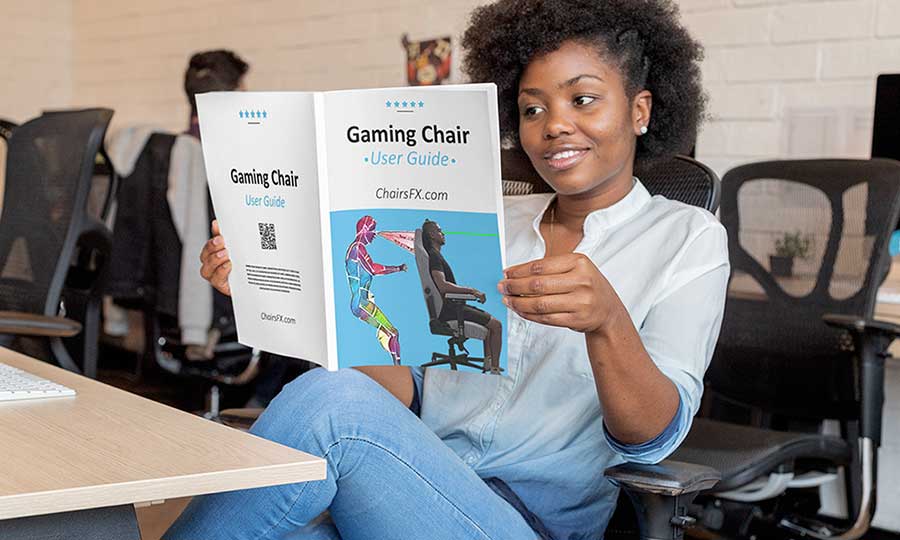
Gaming Chair & Office Chair Starter Guides

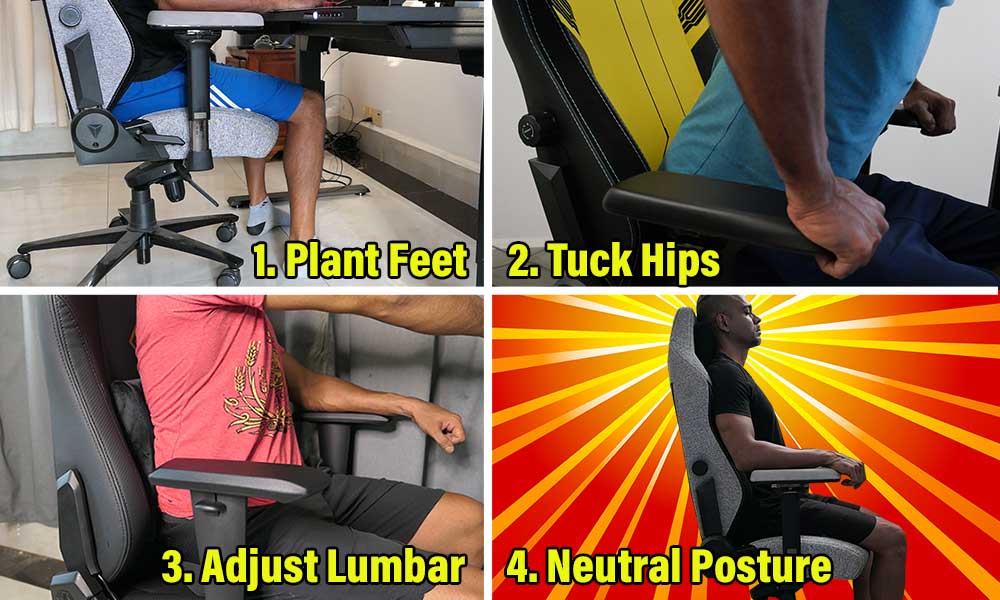
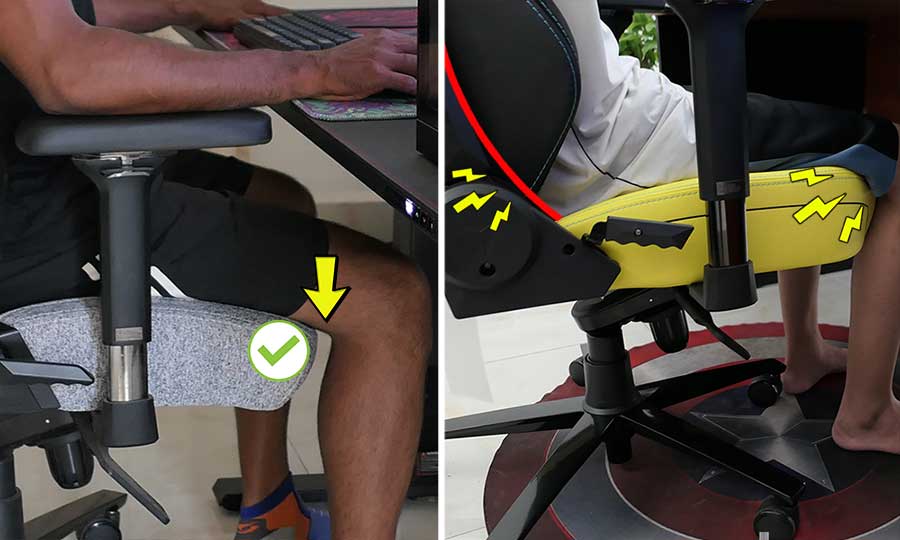
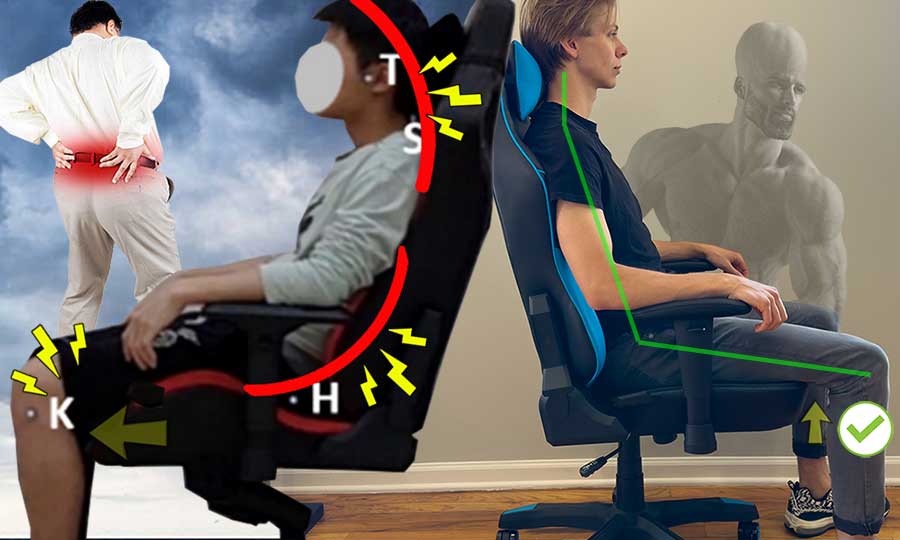
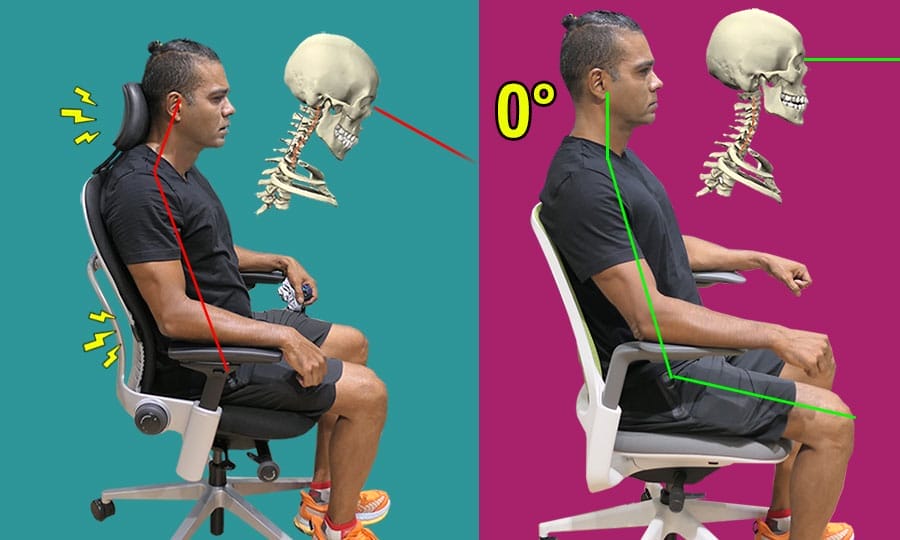
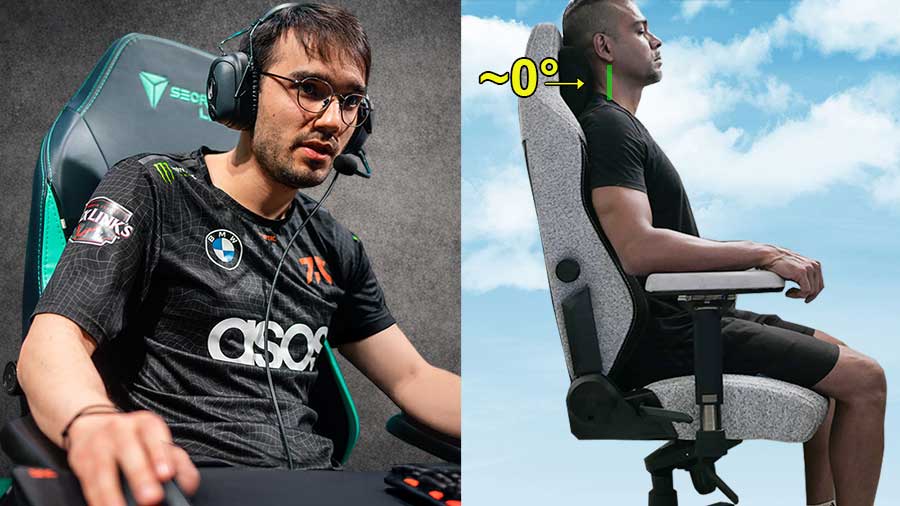
Learn how to forge neutral sitting as a long-term habit in a gaming chair or ergonomic office chair. In sum: plant your feet; tuck your hips deep into the seat; support your lower back (lumbar) curve; use back muscles to hold your torso upright. 

Gaming Chair Sizing Guides

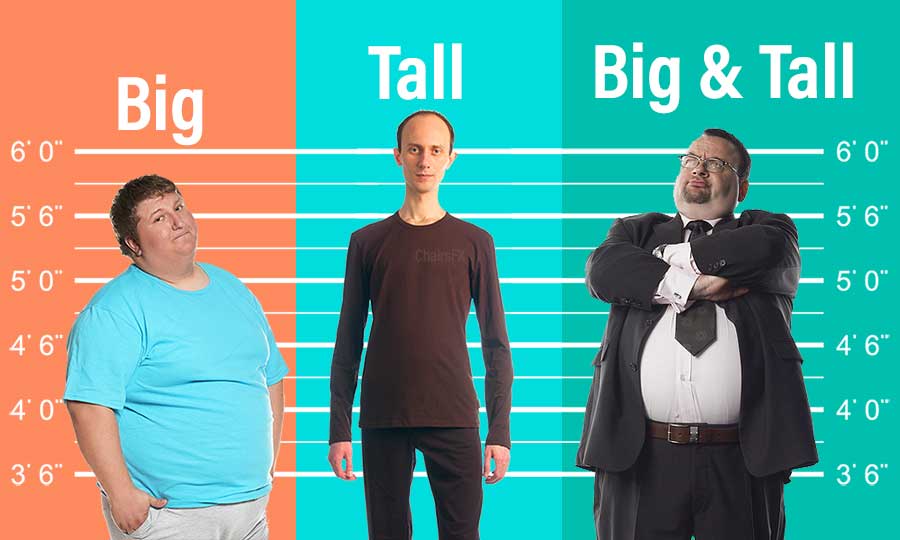
Using a chair that’s too big or small for your body will negate its potential back support benefits. As well, thicker and taller body types have unique musculoskeletal challenges worth paying heed to.

Ergonomic Concept Guides For Beginners

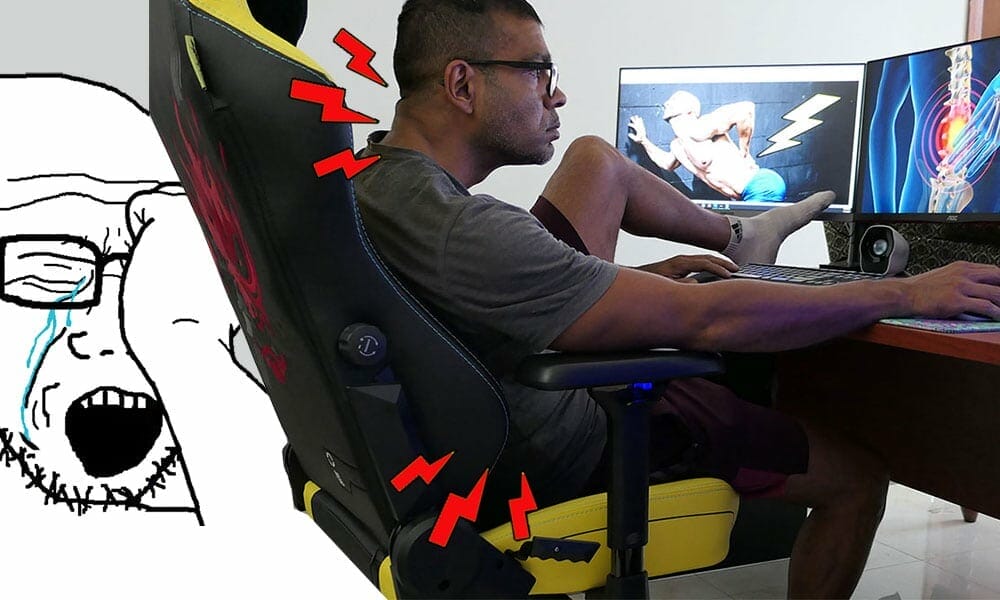
Dive deeper into the long-term ramifications of using a gaming chair, ergonomic office chair, or a standard non-ergonomic office chair.
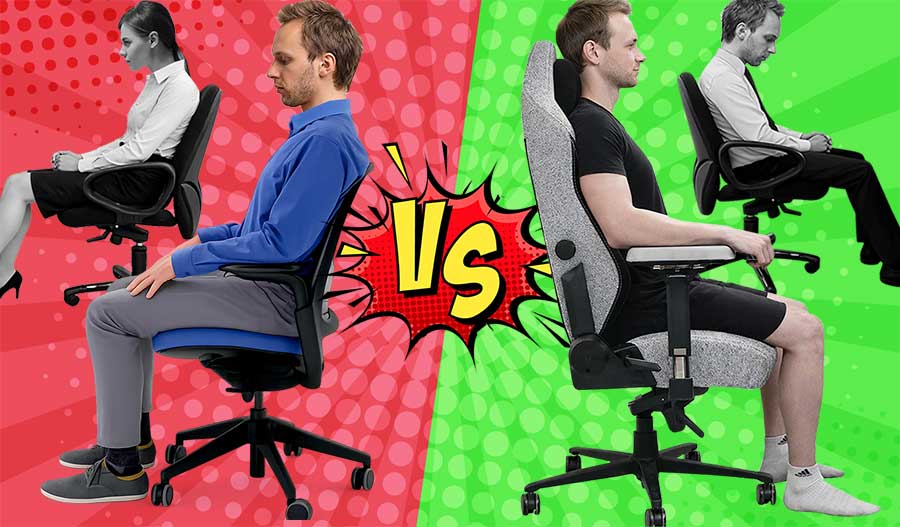
Side-by-side comparison of seated posture: in the background are two black and white figures slouching in basic office chairs. In the foreground a user is sitting with good posture in an ergonomic office chair on the left, and in a gaming chair on the right.

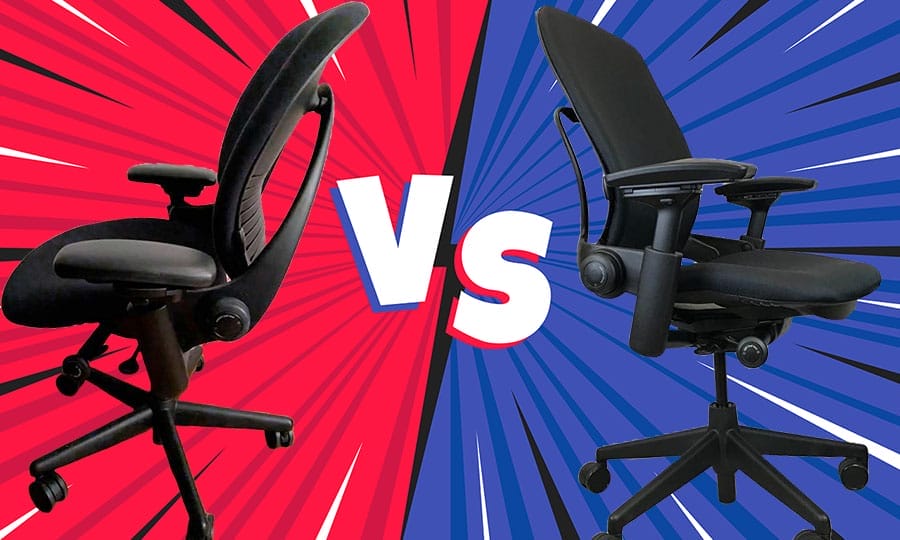
Standard Office Chairs vs Gaming Chairs vs Ergonomic Office Chairs

There is no single definition of “ergonomic,” but when biomechanics research and institutional guidelines are aligned, the difference becomes clear. This article compares standard office chairs, ergonomic office chairs, and gaming chairs by how well they support neutral posture under gravity—and why user habits ultimately determine results.

Trending Advice Articles

Popular on ChairsFX