

Evidence-Based Office & Gaming Chair Reviews
Before buying a chair, it helps to separate posture science from marketing. Per institutional guidelines, any chair with adjustable lumbar, adjustable armrests, and a reclining backrest qualifies as ergonomic. This core trio exists to support neutral sitting postures (≈ 0° neck tilt; ≈ 25–45° lumbar curve) — the biomechanical baseline we test against.
Physically, both can support neutral posture—the differences lie in execution: mechanism refinements, aesthetics, durability, and other psychological comfort factors.
This core trio exists to support neutral sitting postures (≈ 0° neck tilt; ≈ 25–45° lumbar curve) — the biomechanical baseline we test against.
Physically, both can support neutral posture—the differences lie in execution: mechanism refinements, aesthetics, durability, and other psychological comfort factors. 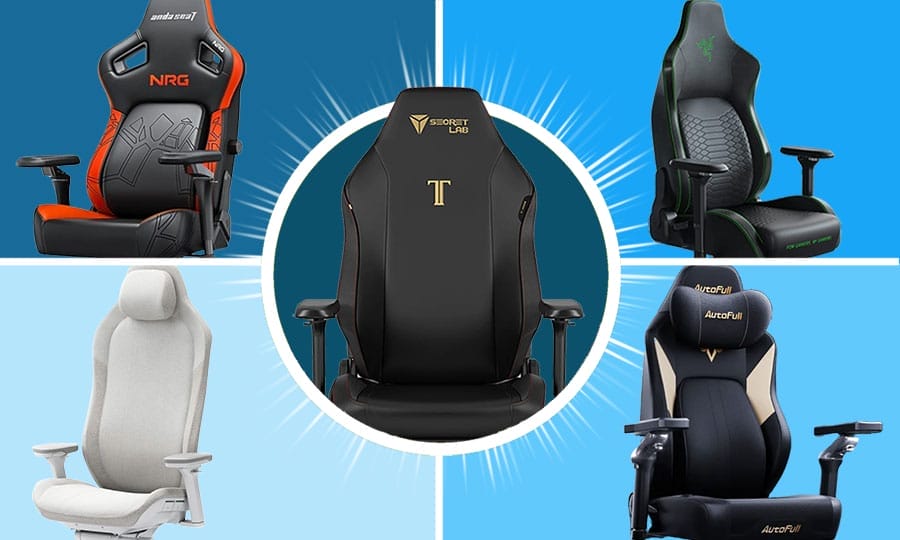
Best Premium Gaming Chairs of 2026 — Ranked & Compared
A deep, evidence-based ranking of the best premium gaming chairs of 2026. This guide explains how modern chairs converge on the same ergonomic fundamentals—and what paying more really buys: build quality, adjustability, durability, and long-term comfort.
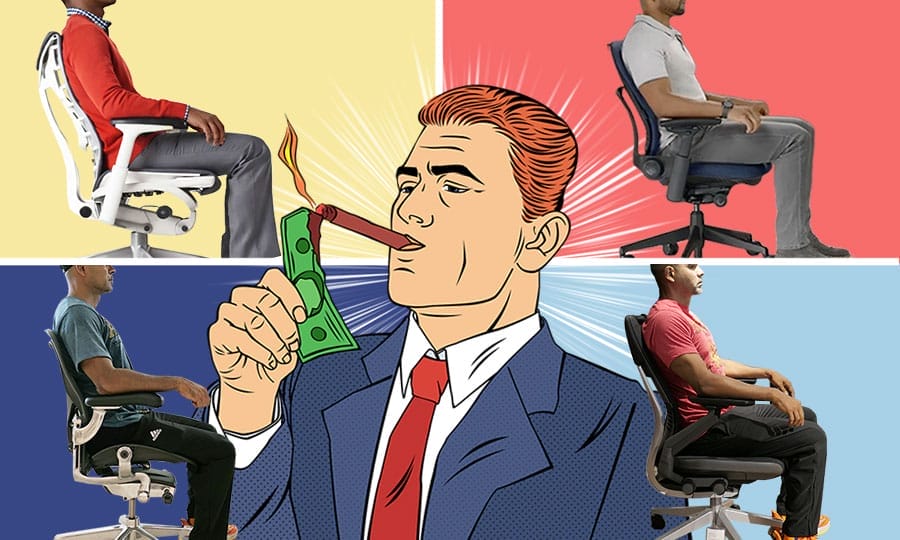
Best Ergonomic Office Chairs $1100-$2100: Are They Worth it?
The ergonomic office chairs widely regarded as the world’s best cost between $1100 and $2100—but do they actually provide better posture support than cheaper alternatives? This review draws on posture science, design trends, and hands-on testing to separate real ergonomic benefits from marketing claims.
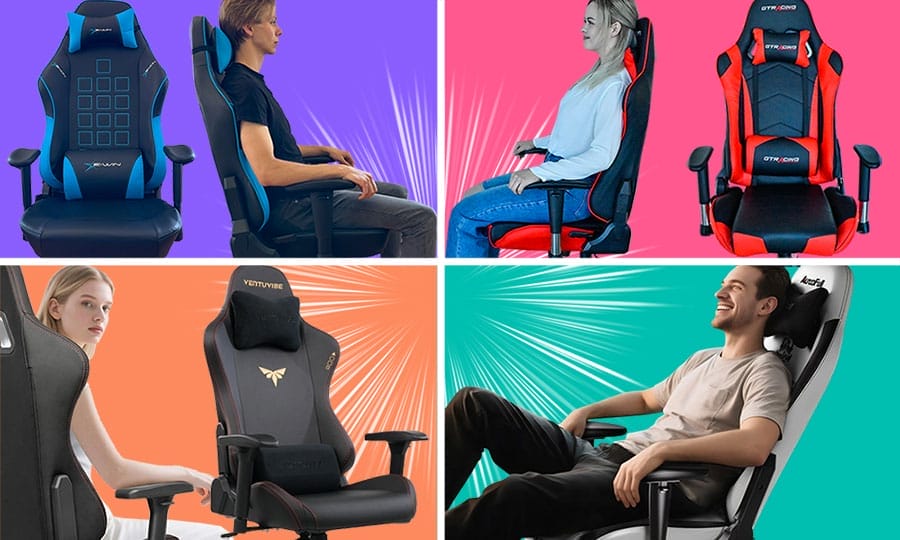
Best Cheap Gaming Chairs Under $300: 2026 Rankings
High-end ergonomics shouldn't require a premium budget. Our 2026 rankings identify the top gaming chairs under $300 that deliver essential neutral posture support without the "luxury tax." Brose top picks from E-Win, Corsair, and more.
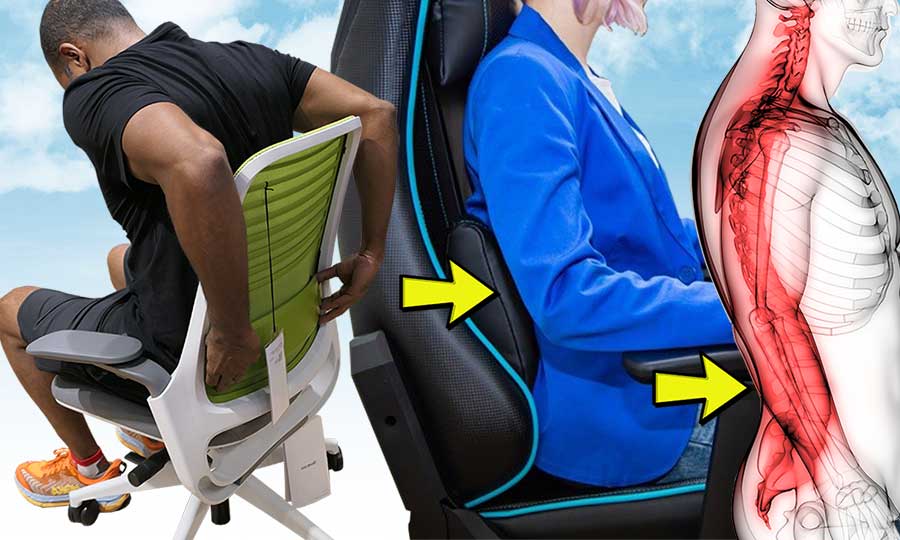
What is Lumbar Support In Chairs? 2026 Biomechanics For Desk Workers
Sitting unsupported flattens your lower back, causing muscle strain and exhaustion. Lumbar support prevents this by maintaining your spine's natural curve. Learn how to find your sweet spot for support that reflexively straightens your posture and makes sitting effortless.
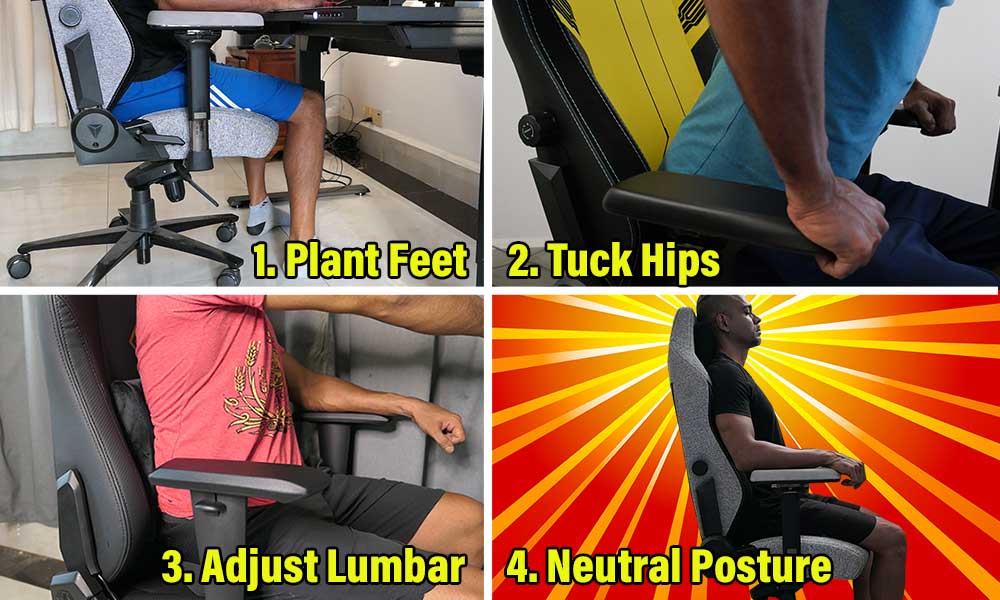
How To Sit In A Gaming Chair: Dynamic Neutral Posture Starter Guide
Learn how to sit in a gaming chair for optimal comfort and health. Follow simple steps to tuck your hips, plant your feet, and support your lower back (lumbar) curve. Discover how easily you can boost energy levels, focus, and spinal health while using any type of ergonomic desk chair.

How To Sit In An Ergonomic Office Chair: Steelcase Series 1 Demo
A universal guide on how to sit in an ergonomic chair using the Steelcase Series 1 as a practical demo. Master core neutral sitting steps, adjust your posture, and explore a quick Series 1 review at the end.
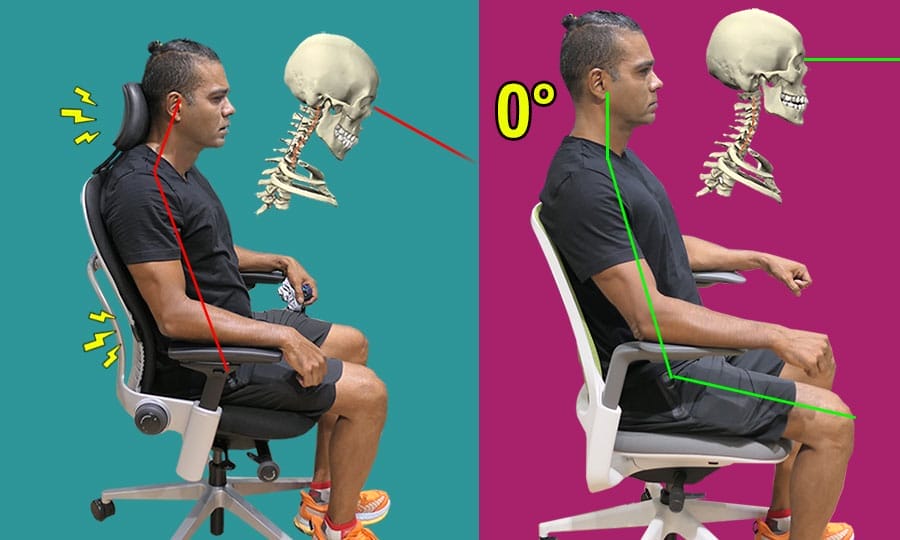
Best Neck Support For Office Chair: Use A Headrest Or Not?
Struggling with upper back and neck pain in your office chair? Headrests on ergonomic chairs are designed for reclined, passive sitting, not upright work. Using one while sitting straight can force a forward neck tilt, stressing your spine. Find out when to remove the headrest for a pain-free, active posture.
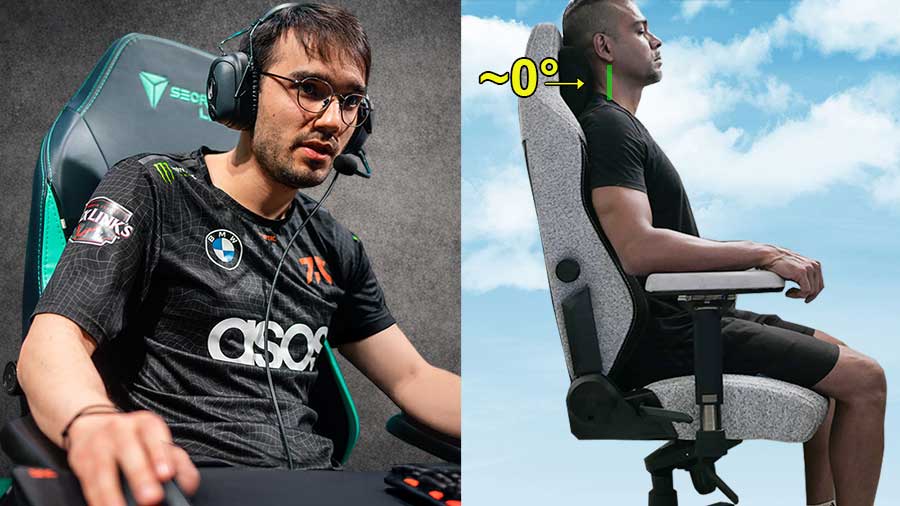
How to Fix Text Neck: Reprogramming Muscle Memory in a Gaming Chair
Personal experiment showing how a gaming chair and neutral posture cues can reprogram muscle memory. By consistently holding a ~0° neck alignment, my posture adapted within weeks. This proves that text neck is fixable using ergonomic science, self-discipline, and muscle memory principles.
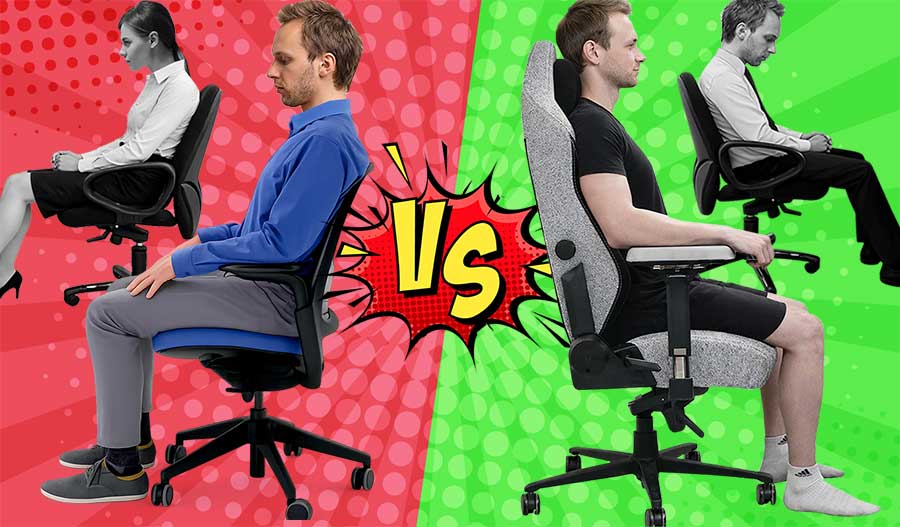
Standard Office Chairs vs Gaming Chairs vs Ergonomic Office Chairs
There is no single definition of “ergonomic,” but when biomechanics research and institutional guidelines are aligned, the difference becomes clear. This article compares standard office chairs, ergonomic office chairs, and gaming chairs by how well they support neutral posture under gravity—and why user habits ultimately determine results.
Most Popular This Month
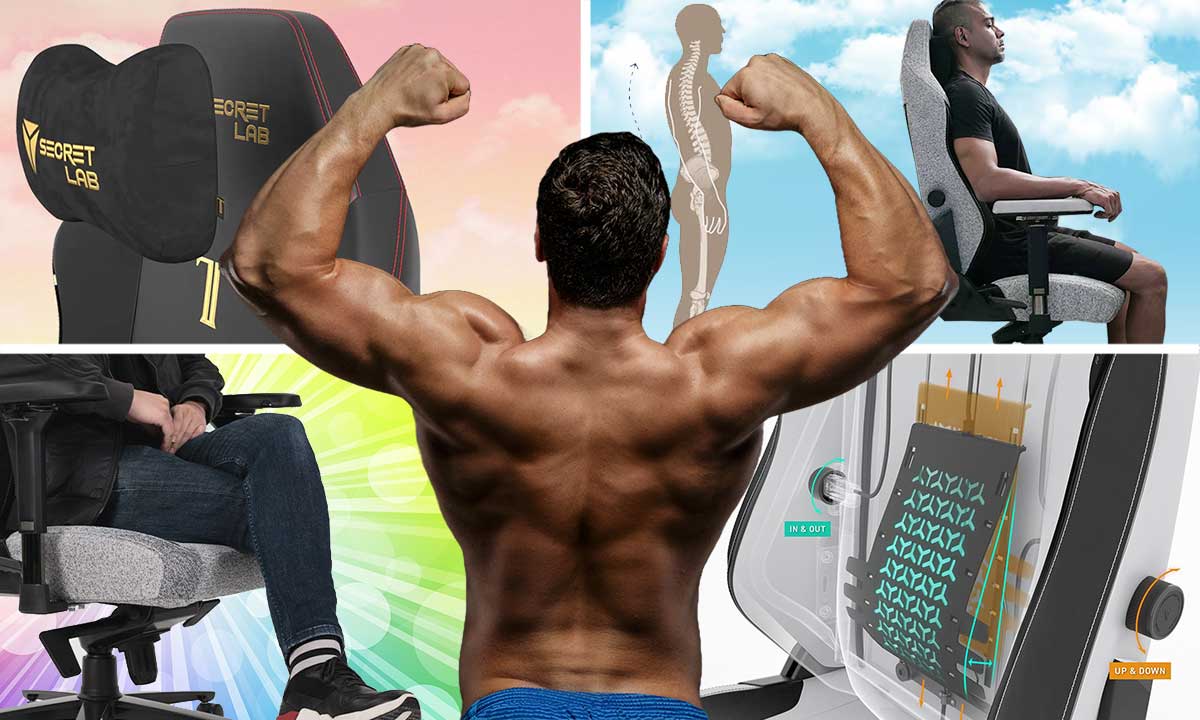
Secretlab Titan Evo 5-Year Review: Full-Time Use Tested
Unlike standard short-term reviews, this Secretlab Titan Evo test covers five continuous years of full-time use—matching its full warranty period. Here is how its comfort, wear, and posture support hold up over the long haul.
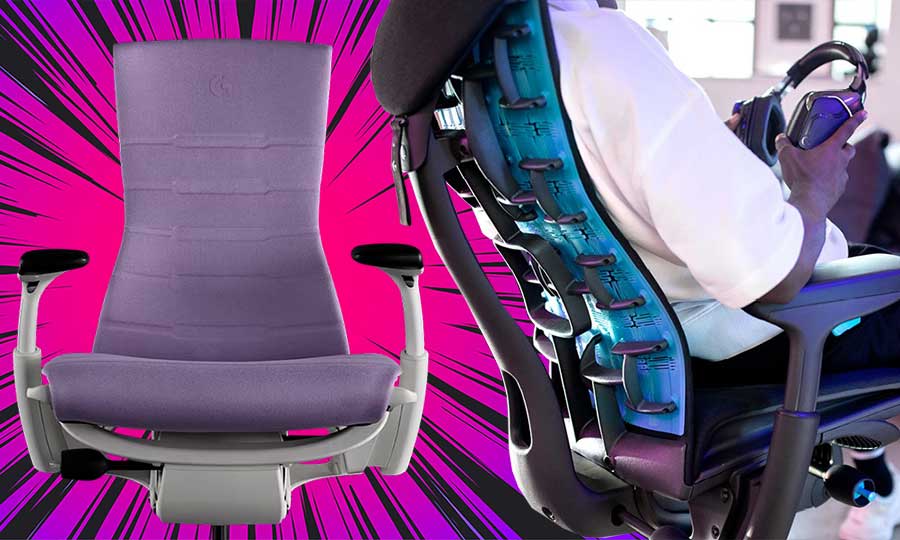
How To Use An Embody Gaming Chair’s Upper Back Support System
After extensive testing, I find the Embody Gaming Chair best for experienced ergonomic chair users. Its unique upper back support concept is tricky to configure. Getting it right yields spectacular support; misconfigurations might disappoint. Read this Embody review for details.
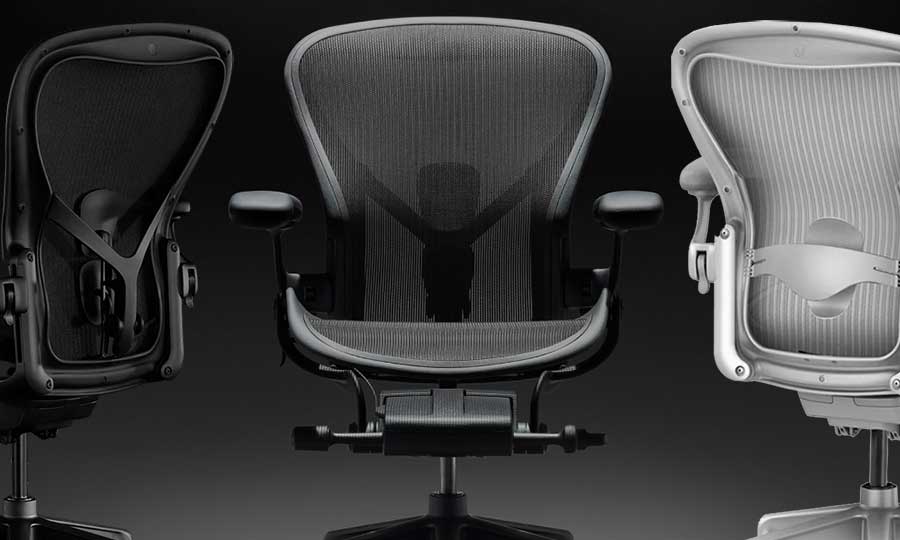
Herman Miller Aeron Review: Should You Buy This Iconic Chair?
The Herman Miller Aeron is the gold-standard posture chair—but its strict, upright support isn’t ideal for every workspace. This review breaks down who the Aeron is perfect for, where it falls short, and the alternatives that may suit you better.
Popular This Month

Celebrities With Forward Head Posture Vs Stars With Good Neck Posture
Forward head posture, or "text neck," is an epidemic, but some stars have mastered good posture. We compare celebrities like Jisoo and Justin Bieber, who struggle with text neck, to those with impeccable form like Taylor Swift and LeBron James. Find out the secrets to their success and get tips to improve your own posture.

What Gaming Chairs Do Top Twitch Streamers Use? (2026)
Which chairs do top Twitch streamers actually use? This 2026 guide analyzes the most-watched gaming creators of 2025, revealing why ergonomic office chairs now outnumber gaming chairs—and which models dominate marathon streams.

The Complete History Of Gaming Chairs: 1973-2026
In 2006, DXRacer released the world’s first gaming chair. The story behind it begins decades earlier with NASA, three economic crises, and the rise of professional esports in South Korea. What followed was the transformation of a niche racing-seat experiment into a global B2C industry worth an estimated $1.6–$1.9 billion in 2026.