

What’s the best chair for programmers in 2026? Most guides simply point to Herman Miller and Steelcase as the “best”—without explaining what “better ergonomics” looks like day to day.
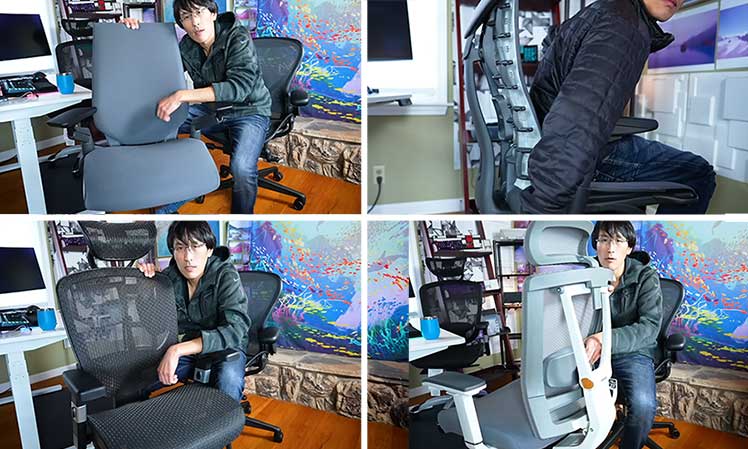
So TechLead—YouTube creator and former Google and Facebook lead programmer—did what many programmers only dream of doing: he bought five ergonomic chairs across three price tiers and lived with them side by side.
He tested the high-end Herman Miller Aeron, Embody, and Steelcase Gesture against the mid-range Autonomous Ergochair—and a dirt-cheap Staples Hyken.
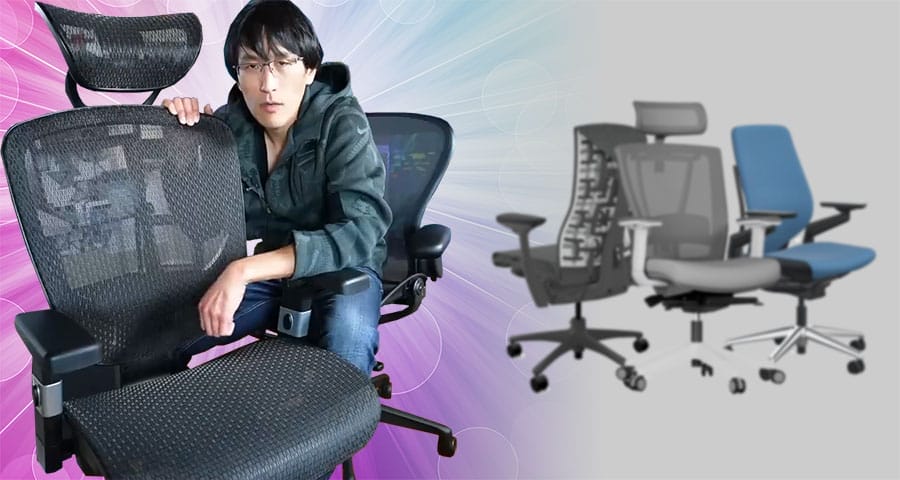
At the end of his video, he chose the cheap Staples Hyken as his daily work chair. “Why pay more, when a cheap chair does the same thing?” he asked.
The other chairs were returned, while the Herman Miller Aeron stayed—as a luxury alternative. Ultimately, he found that most chairs do the same core support job, with refinements (materials, durability, and feel) making the biggest differences.
Below is a recap of TechLead’s testing process, along with a technical breakdown of how each chair performed in real-world programming use.
Best Ergonomic Chairs For Programmers
TechLead’s progression mirrors the reality most programmers face today. When searching for the best work chair, many assume higher prices must equal better results. But once chairs are tested in real-world conditions, expectations often collide with reality.
This article helps you avoid that mistake, without costly trial-and-error.
For most of the past decade, TechLead worked on a $100 Costco office chair. For his video review, he bought, tested, and ranked five popular models across multiple price tiers:
- Staples Hyken: on Amazon (jump to review)
- Herman Miller Aeron: $1930+ from Herman Miller (jump to review)
- Autonomous Ergochair Pro: $379.00 on Amazon (jump to review)
- Steelcase Gesture: $1,521.86 on Amazon (jump to review)
- Herman Miller Embody: $1880+ from Herman Miller (jump to review)
ChairsFX later followed up with TechLead three months after the video aired. At that point, he was using a two-chair approach: the Aeron at the start of the workday for stricter support, and the Hyken later on for more flexible seating.
Staples Hyken
TechLead’s Rank: #1 | on Amazon
By the end of his video, TechLead chose the Staples Hyken as his top choice for home-based programming work. This clip summarizes his impression:
In his experience, the Hyken is “the practical choice.” But he also wanted something that “inspires you… something you keep on the side for a little bit of fun.” For his luxury alternative, he chose the Herman Miller Aeron.
Staples Hyken at a Glance
TechLead gave a basic review of this chair: The Hyken offers solid adjustability, but its controls lack the refinement of the Steelcase Gesture. Its utilitarian design and plastic-heavy construction are uninspiring.
Despite its drawbacks, it was his favorite chair of the five: comfortable, versatile, easy to use.
ChairsFX Rating: 3.5 out of 5.0 stars
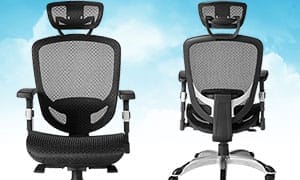
- Concept: cheap, fully ergonomic mesh office chair
- Key features: height-adjustable lumbar, 100-140° recline (4 lock positions), 2:1 synchronous seat tilt
- Size range: 5’3″ – 5’11”, 250 lbs (slim fit)
- Warranty: 1 year
- Easy to use: plant your feet, set the lumbar slightly above your beltline, and lean back into the chair’s default 100° recline to achieve a stable neutral posture.
- Synchronous tilt: the seat pan subtly tilts upward as you recline (approximately 1° of seat tilt for every 2° of backrest recline), helping maintain hip and spine alignment.
- Flimsy build: the chair feels noticeably less substantial than premium models, with more flex in the frame and components.
- Limited long-term durability: under full-time daily use, the mesh can begin to sag and parts may loosen over time.
- Basic mesh quality: the mesh has a firmer, more plasticky feel compared with the smoother, more refined suspension Aeron mesh.
- Poor armrest adjustability: the 1D armrests adjust only in height, forcing users to compromise on forearm and shoulder positioning—full 4D arms make a noticeable difference.
The Hyken ranks on ChairsFX as the #2 Best Ergonomic Chair Under $300.
Herman Miller Aeron
TechLead’s Rank: #2 | $1930+ from Herman Miller
In his video, TechLead decided to keep the Hyken as his main working chair. He also decided to keep the Aeron as a sexy, luxurious secondary chair. This clip covers his impressions:
Three months after his video review, TechLead told ChairsFX that he had adopted the Aeron as his primary work chair:
Herman Miller Aeron at a Glance
Find below a ChairsFX overview of the Aeron, followed by TechLead’s likes and dislikes.
ChairsFX Rating: 4.5 out of 5.0 stars
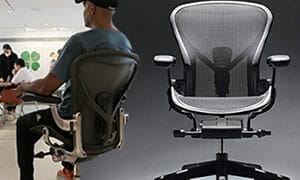
- Concept: adaptive mesh designed to keep the body balanced in neutral sitting postures
- Key features: 8Z Pellicle mesh, forward seat tilt, two lumbar support options
- Size range: three sizes (A, B, C) fitting users 4’10” – 6’6″, up to 350 lbs
- Warranty: 12-year manufacturer warranty
- Excellent build quality: The chair feels solid, premium, and well-built.
- Firm mesh support: The mesh provides stable, supportive seating.
- Good armrest adjustability: Only the Steelcase Gesture offers better arm adjustments.
- Intuitive controls: Recline and tilt mechanisms are robust and easy to use.
- Inspiring to work in: The high-quality build feels motivating at the start of the workday.
- Easy maintenance: The mesh is simple to keep clean.
- Restrictive seat edges: The bladed seat design prevents sitting cross-legged.
- Limited posture flexibility: Forces proper sitting positions at all times.
- Less livable than cheaper options: Despite higher build quality, TechLead preferred the Hyken’s flexibility for daily use.
Aeron from Herman Miller $1930+
ChairsFX ranks the Aeron as the #1 Premium Office Chair Over $1100.
Autonomous Ergochair Pro
TechLead’s Rank: #3 | $379.00 on Amazon
TechLead praised this as one of the most adjustable chairs he tested. However, he found the padded fabric seat too firm for extended use. This clip summarizes his impressions:
Autonomous ErgoChair Pro at a Glance
Below is a ChairsFX overview of the Ergochair Pro, followed by TechLead’s likes and dislikes.
TechLead Rating: 4.0 out of 5.0 stars
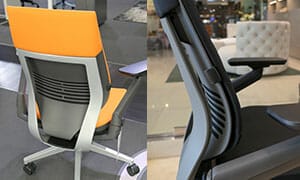
- Design concept: Classic lumbar-driven ergonomic office chair designed to support neutral seated postures
- Key features: 90–115° recline (3 lock positions), height-adjustable lumbar support, 2:1 synchro-tilt, depth-adjustable seat (2.5″ range), 3D armrests (height, width, depth)
- Size rating: Suitable for users 5’4″ to 6’2″; up to 300 lb
- Warranty: 2 years
- Offers a wide range of adjustments, including lumbar support, seat depth, recline angle, and armrests
- One of the most adjustable chairs he tested
- Best suited for users who take frequent walking or standing breaks
- The seat cushion is among the firmest of all chairs tested
- After extended sitting, body weight tends to compress into the seat noticeably
- Not ideal for programmers who sit continuously for long, uninterrupted sessions
Steelcase Gesture
TechLead’s Rank: #4 | $1,521.86 on Amazon
In his video, TechLead praised the Gesture’s aesthetics, adjustability, and comfort. He chose not to keep it because of minor gripes. This clip captures his thoughts:
Steelcase Gesture at a Glance
- Most visually appealing chair of all those tested
- High-quality look and feel
- Excellent 360° armrest adjustability
- Robust, intuitive under-seat controls
- Includes every major feature expected in a high-end ergonomic chair
- Feels so expensive that he is hesitant to use it casually or risk damaging it
- Very thin foam seat padding
- Prefers seating materials that are easier to keep clean with less maintenance
Find below ChairsFX impressions of the Gesture:
ChairsFX Rating: 4.0 out of 5.0 stars
- Concept: Lumbar-powered support with an adaptive backrest and highly articulated armrests
- Highlight features: 3D LiveBack backrest that flexes with movement; 5D armrests with full 360° rotation
- Size rating: 5’4″ to 6’2″; up to 400 pounds
- Warranty: 12 years
- Easy to configure and maintain clean, dynamic neutral postures
- The adjustable seat depth accommodates a wide range of body sizes
- Cheaper than Herman Miller’s flagship chairs
- No meaningful functional updates since its 2013 debut (over a decade without evolution)
- Despite extensive adjustability, the armrests do not support cross-device use as well as newer 6D designs
- Fabric-upholstered seat absorbs sweat and dust, requiring periodic deep cleaning over time
- Built-in (non-adjustable) backrest curve can feel overly aggressive and may not suit all body types
- Mild downward seat slope can create a subtle “sliding forward” sensation for some users
ChairsFX ranks the Gesture as the #3 Premium Office Chair of 2026.
Herman Miller Embody
TechLead’s Rank: #5 | $1880+ from Herman Miller
The Embody’s ultra-adaptive ‘Pixelated’ backrest works like an exoskeleton. It’s designed to hug the user’s upper spine to support near-perfect sitting postures. In this clip, TechLead explains why he did not like this chair:
Herman Miller Embody at a Glance
Below is a ChairsFX overview of the Embody, followed by TechLead’s likes and dislikes.
ChairsFX Rating: 4.0 out of 5.0 stars
- Concept: Upper-back support that stabilizes the torso rather than emphasizing lumbar pressure
- Highlight features: Flexible ‘Pixelated’ backrest, wide flat seat pan, exceptionally wide armrest adjustment range
- Size rating: 5’4″ to 6’2″; 300 lbs
- Warranty: 12 years
- Lightweight feel: Feels light and responsive, like sitting on a pillow.
- Contoured backrest: The backrest wraps around the spine and follows its shape.
- Posture-enforcing design: Encourages good posture, which suits users who prefer being guided into proper alignment.
- Limited armrest adjustability: The 2D armrests are not adjustable enough to suit all users.
- Slippery seat upholstery: The fabric seat lacks grip, causing the hips to slide forward.
- Demanding posture requirements: The back support only works well when sitting with near-perfect posture.
ChairsFX ranks the Embody as the #2 Premium Office Chair Over $1100.
Embody Classic from Herman Miller $1880+
Gaming Editions: $2045 from Herman Miller (6 styles)
TechLead’s Picks 3 Months Later
At the end of the video, TechLead decided to keep two chairs. The Staples Hyken became his main chair, with the Aeron as his ‘side-piece’. Three months after the video, we asked how his dual-chair system was working out. His answers:
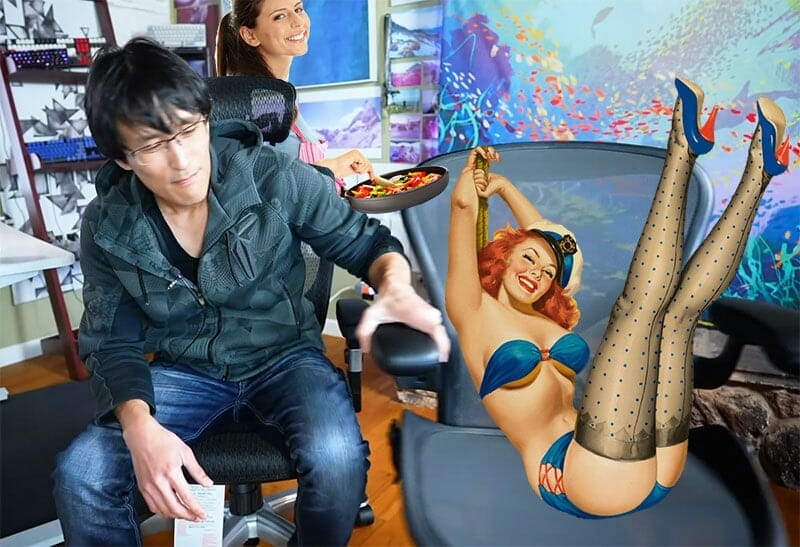
- Dual-chair benefits: “I love having two chairs; the different seating positions help me move my body around to avoid stagnating. I think everyone could benefit from having multiple chairs.”
- Morning routine: “I usually start the day with the Aeron, which has an upright ergonomic seating position. It looks and feels premium, which mentally prepares me to put in my best work for the day.”
- Evening routine: “By evening, I switch to the Staples Hyken chair, which is also ergonomic but also allows me to lean back comfortably or sit cross-legged. That gives a more relaxed position for gaming, movies, or light web surfing.”
TechLead WFH Tips For Programmers
Beyond a post-review followup, TechLead also shared broader advice for programmers that reflects modern desk-work realities: long-term health comes first, while a chair is only a secondary support tool.
The sections below expand on this idea from two angles:
Poor Posture Is Common In Big Tech
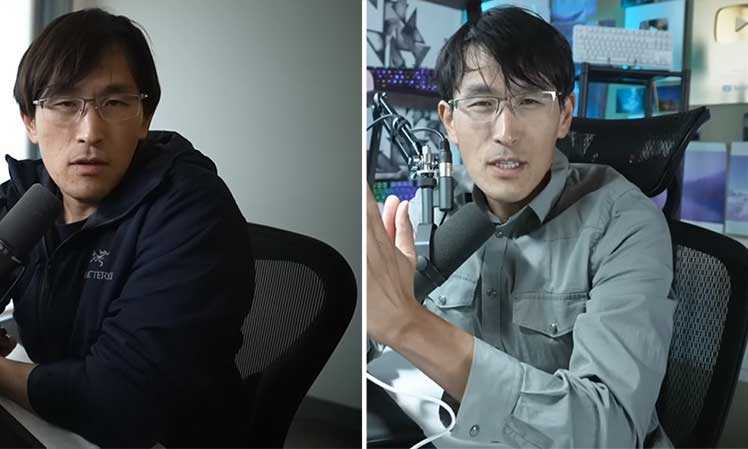
Inside typical big tech companies, TechLead says that ergonomic education is non-existent:
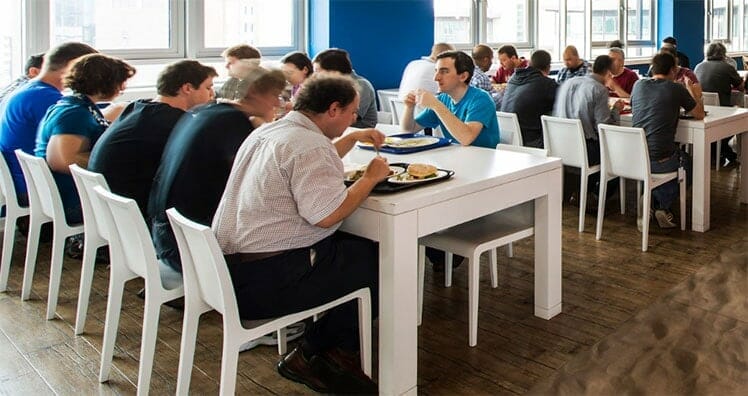
Based on his experience, TechLead offered four pieces of advice for programmers who want to last in the industry:
- Self-discipline is essential: “Programmers need to actively take care of themselves because the company won’t be looking out for you. You can binge on sodas and snacks freely if you want.”
- Build your own workstation: “It’s up to you to identify whether you need a more ergonomic chair, desk, leg rest, wrist pad, etc.”
- Plan for a marathon: “For a successful long office career, you have to proactively take care of your health. Otherwise, it’s likely you will destroy your health in a few years and then get discarded by the company.”
- Invest in yourself: “Never hesitate to take time to set up your working environment and invest in your own sustained health.”
Modern Desk Work Snapshot: Pain, Fatigue, Low Productivity
Five years after he shared this advice with ChairsFX readers, it’s more relevant than ever. Our 2025 desk-work trend analysis shows that poor posture, chronic musculoskeletal pain, and fatigue are now normalized across desk-bound professions.
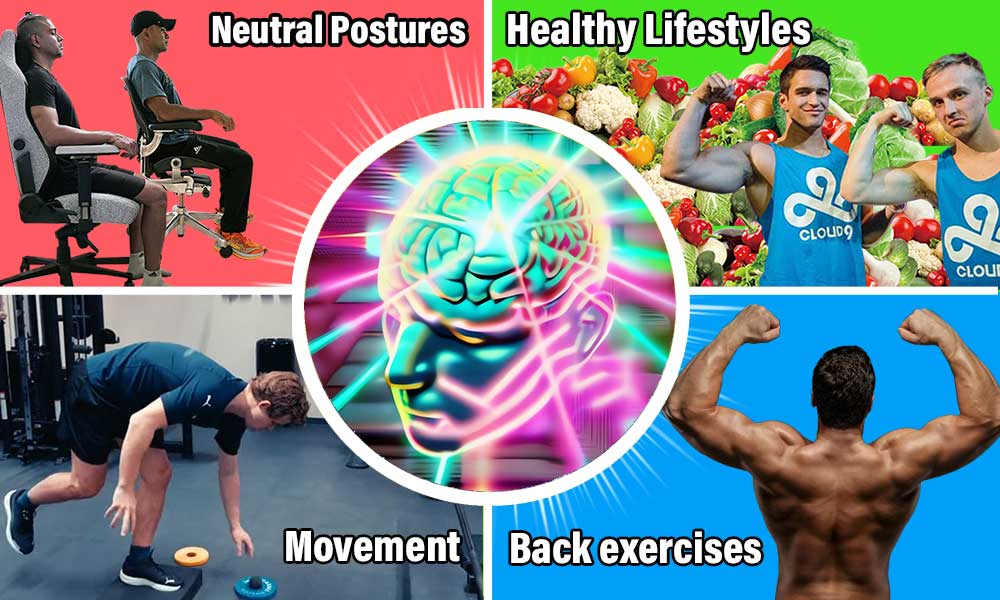
Research consistently finds that chairs alone have limited impact. Instead, movement, exercise, rest, and nutrition are far stronger predictors of long-term health and productivity. Key takeaways from our analysis include:
- Musculoskeletal pain is now the norm: Chronic back, neck, and shoulder pain affects a majority of full-time desk workers.
- Poor posture drains energy: Misaligned sitting increases muscular effort, accelerating physical fatigue and reducing mental focus.
- Movement beats chair features: Short walking or stretching breaks consistently outperform chair tilt or recline functions.
- Exercise matters more than seating: Stronger back and core muscles make neutral sitting easier to maintain in any chair.
- Chairs are secondary tools: Ergonomic chairs support posture, but cannot compensate for inactivity, poor sleep, or weak physical conditioning.
Day In The Life Of A Big Tech Programmer
During our 2021 interview, TechLead gave a blunt snapshot of what daily life looks like for many programmers. Five years later, our ChairsFX IT desk worker survey (Dec. 2025) confirms that his observations weren’t exaggerations—they were early warning signs.
- Long sitting periods: “Programmers can easily spend 12+ hours a day sitting. You might work for 8+ hours, then come home to browse, game, or watch movies.”
- Ill health from sedentary habits: “Most programmers are overweight. Many have poor vision. For desk workers, health decline is almost inevitable without intervention.”
- Common symptoms: “Poor circulation, posture breakdown, fatigue, weight gain, vitamin D deficiency, and blood pressure issues are common.”
What the Data Shows: A Modern Programmer’s Workday
In December 2025, ChairsFX surveyed 200 U.S.-based full-time IT professionals—split evenly between remote and on-site roles—to quantify how modern programmers actually sit, move, and feel during the workday. The results closely mirror TechLead’s real-world observations.
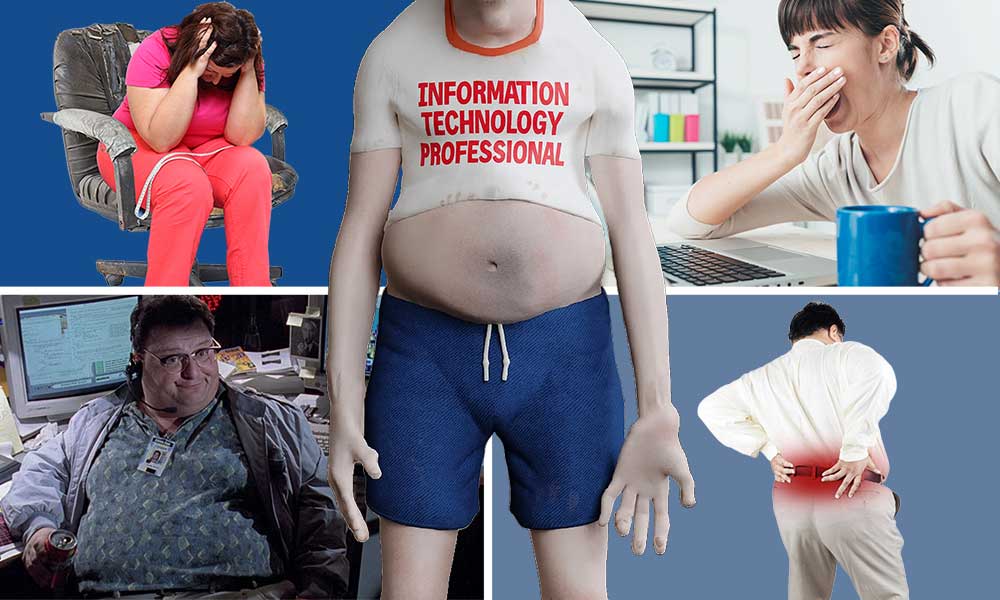
Key findings from the survey:
- Prolonged sitting is widespread: Nearly 50% of remote IT workers and 29% of on-site workers sit for 8+ hours per day.
- Chronic pain is the norm: Around 70–76% of IT workers experience work-disrupting pain (5/10 or higher) at least once per week.
- Movement is limited: Fewer than 35% of remote workers—and just 18% of on-site workers—take five or more walking breaks per day.
- Exercise gaps are common: Over 20% of remote IT workers report getting zero weekly exercise.
- Fatigue impacts productivity: Roughly 60–65% of IT workers report only four or fewer truly focused work hours per day.
Taken together, the data confirms TechLead’s core message: modern programmers aren’t just sitting a lot—they’re accumulating fatigue, pain, and cognitive drain as part of their normal work routine.
Best Practices for Modern Programmers
By isolating the minority of IT workers who report pain-free desk work, we identified the habits that consistently separate healthy, productive programmers from those struggling with chronic discomfort.
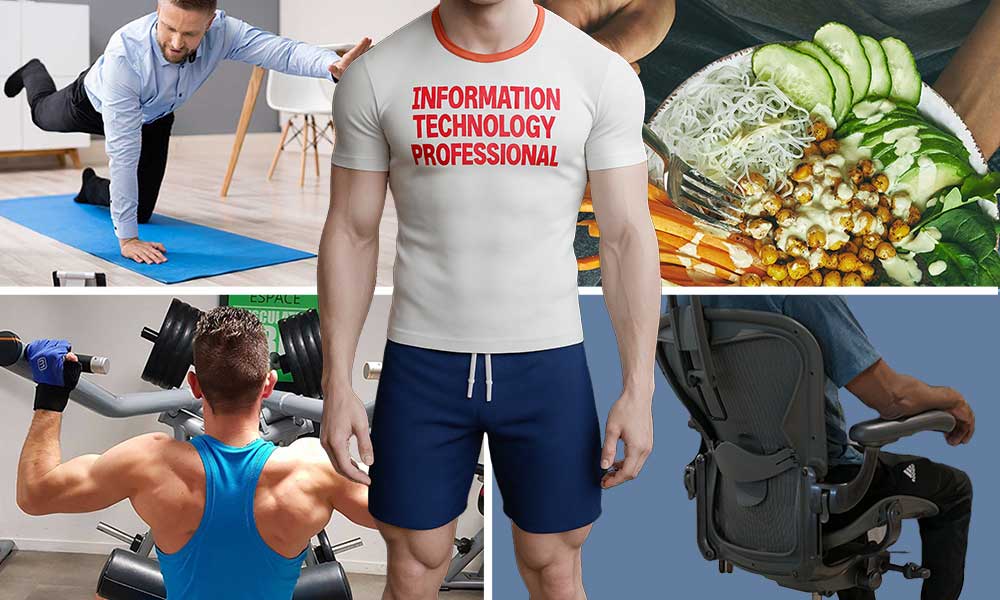
These patterns closely mirror the mindset TechLead emphasized years earlier: treat desk work as a long-term athletic endeavor, where chairs help—but daily habits determine outcomes.
- Break up long sitting sessions: Pain-free programmers sit for shorter uninterrupted blocks and are far more likely to take 5+ movement breaks per day.
- Exercise regularly—especially strength work: Remote pain sufferers were five times more likely to get zero weekly exercise, while pain-free workers clustered in the 3–5+ days/week range.
- Prioritize movement over chair features: Frequent walking, stretching, and posture changes correlated more strongly with pain-free work than chair type or price.
- Use chairs as support tools, not solutions: Pain-free workers used ergonomic and non-ergonomic chairs at similar rates, reinforcing that chairs assist posture but don’t create health.
- Protect end-of-day energy: Pain-free workers were far more likely to finish the day with moderate-to-high energy, enabling better recovery, exercise, and focus the next day.
These habits closely mirror the mindset TechLead emphasized years earlier: treat desk work like a long-term athletic endeavor, where chairs help—but daily habits decide outcomes. Learn more:
Recap: Techlead’s Chair Picks
Thanks to Patrick Shyu (TechLead) for collaborating on this article and allowing ChairsFX to follow up on his real-world testing. Below is a recap of the five chairs he evaluated side by side:
- Staples Hyken: on Amazon (jump to review)
- Herman Miller Aeron: $1930+ from Herman Miller (jump to review)
- Autonomous Ergochair Pro: $379.00 on Amazon (jump to review)
- Steelcase Gesture: $1,521.86 on Amazon (jump to review)
- Herman Miller Embody: $1880+ from Herman Miller (jump to review)
Final Takeaways
Final takeaway #1: All ergonomic chairs do the same core job.
Once a chair supports neutral posture (adjustable lumbar, armrests, and recline), differences in physical support are surprisingly small. Beyond that baseline, comfort becomes largely subjective—driven by feel, materials, aesthetics, and psychological motivation rather than biomechanics.
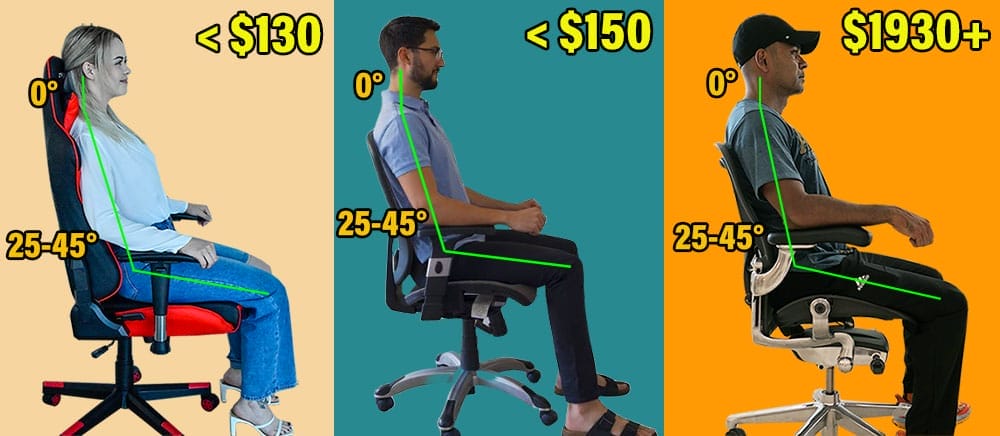
Final takeaway #2: Price buys refinement, not better posture.
TechLead’s experience illustrates this. The sub-$150 Staples Hyken provided adequate posture support for daily work, while the $1930+ Aeron ultimately won him over for its build quality and motivational “luxury” factor.
Final takeaway #3: Chairs are secondary to habits.
Our survey of 200 U.S.-based IT professionals—and a focused sub-study of pain-free workers—shows that movement frequency, exercise habits, rest, and recovery matter far more than chair choice alone. Pain-free programmers don’t sit in better chairs; they sit differently, move more often, and protect their energy.

What this means for programmers in 2026:
Choose a chair that supports neutral posture and fits your preferences—but don’t expect it to solve pain or fatigue on its own. The real performance gains come from pairing decent seating with frequent movement breaks, regular exercise, and sustainable daily habits.
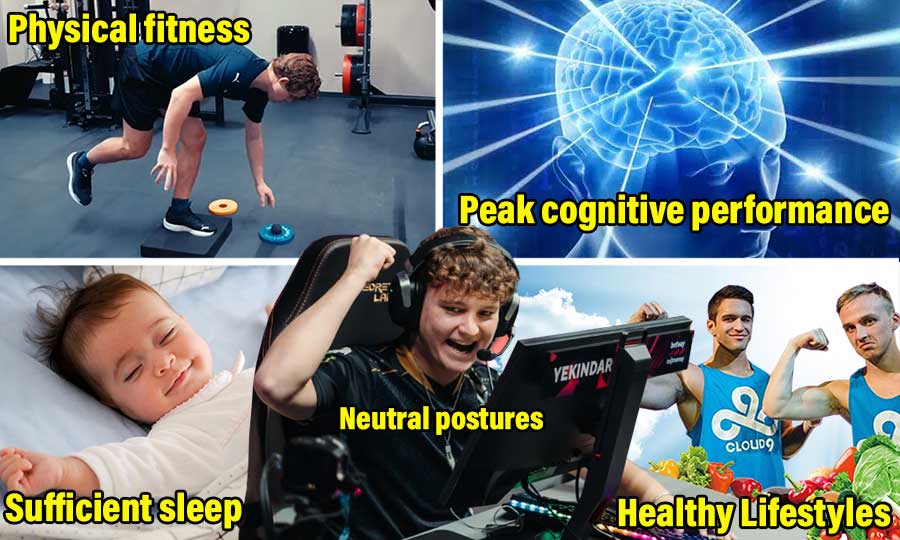
When treated as part of a broader system—not a silver bullet—a good chair can support long, focused programming sessions. But it’s the habits around the chair that ultimately determine whether you thrive or burn out.
